

Products


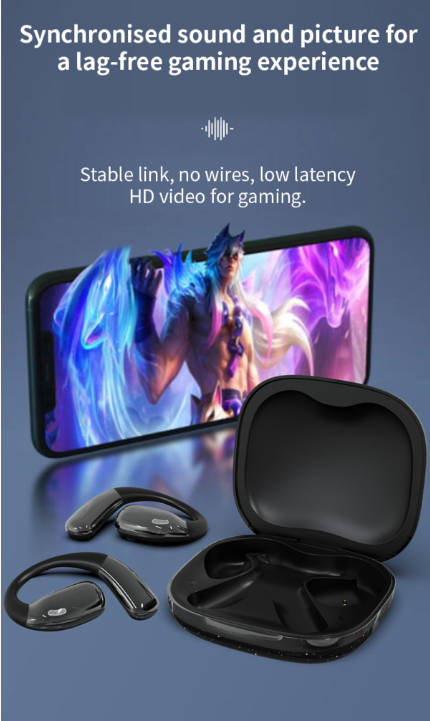
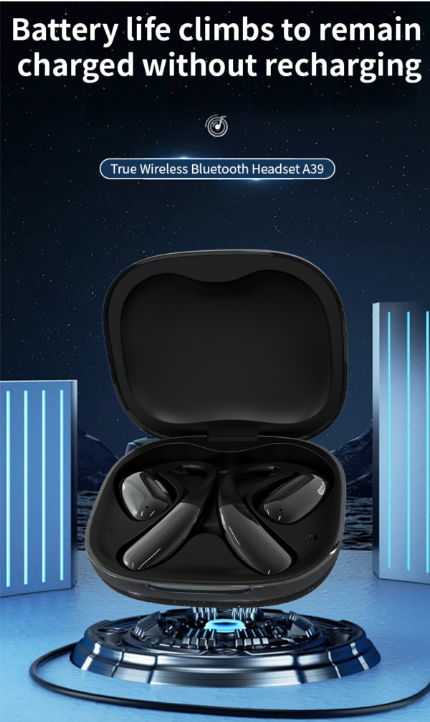
The A39 translation headset with touchscreen.
Basic characteristic parameters
| Host part | |||
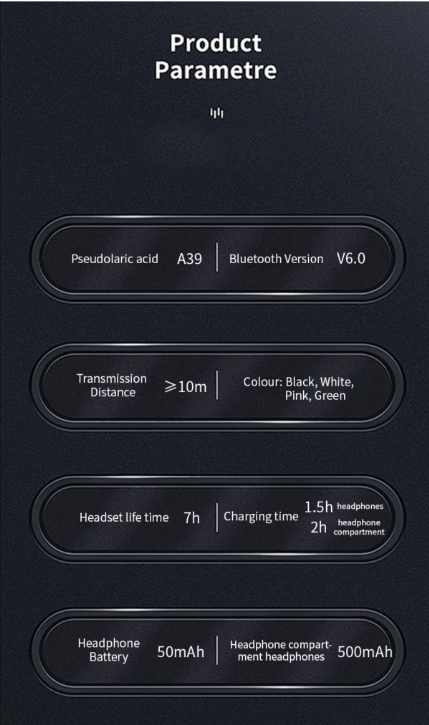
| Bluetooth scheme | JL AD7003D8 | Bluetooth pairing | A39 |
| Bluetooth version | 5.3 | Communication | 10M |
| Supported Bluetooth | A2DP/AVDTP/AVRCP/RFCOMM/HFP/HSP/ SPP/HID | Supported audio formats | AAC, SBC |
| Bluetooth | Maximum 9 dBm | RF power/level | -83 dB ±3 dB |
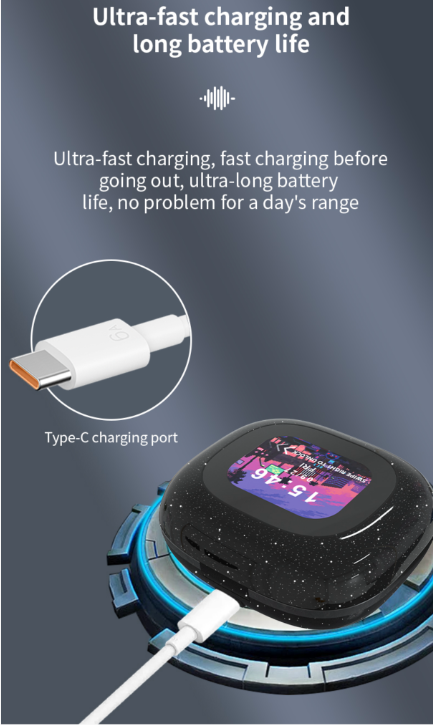
| Working frequency | 2.4-2.480GHz | interface type | TYPE-C |
| Noise reduction | / | Waterproof grade | / |
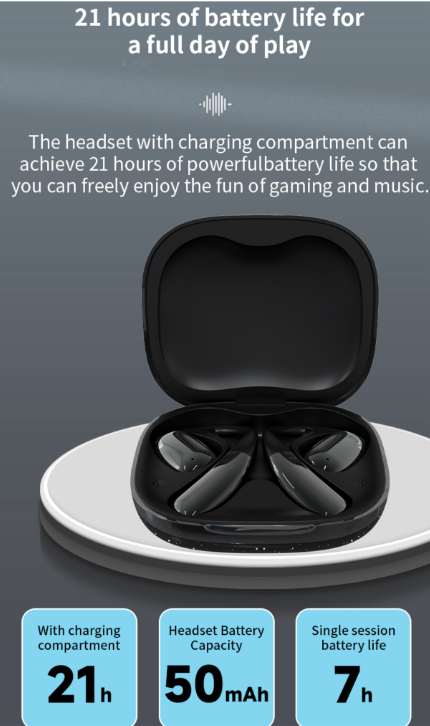
| Headphone | 1.5 hours | Music playing time | 7 hours |
| standby time | About 90 hours | talk time | About 5 hours |
| Headphone | 1.5 hours | Charging time of | About 1.5 hours |
| Headphone battery | 50MAH | Battery capacity | 500MAH |
| Net weight of the | 96.5g | Overall machine | 81.6*73.7*30.1mm |
| operating | -10℃ to +40℃ | Storage | -40℃ to +55℃ |
| Horn part | |
| Magnet type: Speaker Type | Neodymium iron boron |
| Horn size | 14.2MM |
| Horn impedance (ω) input impedance | 16 ±15% |
| Voice coil material | copper |
| Sensitivity (dB/mW) | 119+3dB At 1000 Hz At 0.126V |
| Distortion degree T.H.D | ﹤5% |
| Frequency range (Hz) Frequency range | 20 Hz ~ 20 kHz |
| Pure tone listening Rub&Buzz (listening sound | 0.4V |
| mW) Rated power (mW) | Rated Power Input 5mW, Max Power Input 5mW |
| L/R headphone balance (dB) L/R channel difference | ±3DB |
| Polarity | Red dot on the positive side |
| Microphone part | |
| Microphone | ML-4259-2718-T1P1 |
| Directivity directivity | Comprehensive |
| Sensitivity (dBV/Pa) Sensitivity (Headset) | -42DB |
| Distortion degree T.H.D | 0.1% |
| Frequency range (Hz) Frequency range | 100 Hz-10 kHz |
| Operating voltage range (V) Operating voltage range | 1.6-3.6V |
| S/N ratio of signal-to-noise ratio | 59DB |
UI menu
Pairing status: white and ice blue lights flash alternately.
Connected status: the white-ice blue light of the main machine flashes alternately, and the auxiliary machine light goes out.
Music/call status: no light;
Charging state: white light is always on;
Charge completion: the white light goes out;
Low power state: white light flashing;
(1) Key function operation
Boot: press and hold the multifunction key for about 3 seconds to boot;
Power off: press and hold the multifunction key for about 5 seconds to power off;
Pairing mode: after starting up, enter the mobile phone settings and connect to the Bluetooth device name to enter the pairing state;
Answer/hang up: click the touch key to answer and hang up the incoming call;
Rejection: press and hold the left ear or the right ear for 2 seconds to reject the incoming call.
Pause & Play: Click any earphone;
Last song: three strikes on the left ear,
Next song: three strikes on the right ear,
Volume plus: double-click the right ear,
Volume reduction: double-click the left ear,
Voice Assistant: Press and hold the left ear for 2 seconds to activate the voice assistant.
Game mode: press the right ear for 2 seconds to enter the game mode, and press the right ear for 2 seconds to enter the music mode.
Headphone power indicator: The iOS system and some Android systems can directly display the headset power on the screen;
(3) Bluetooth connection operation
1. Please keep the distance between the Bluetooth headset and the mobile phone (or other Bluetooth-connected devices) within 1 meter; the closer, the better.
2. Make sure that the earphone is turned off. Press and hold the multifunction key for about 3 seconds until the red light flashes slowly, then enter the pairing state and wait for the connection;
3. Turn on the Bluetooth function (or other Bluetooth devices) of the user's mobile phone, and search or scan. At this time, the mobile phone will search for all the Bluetooth devices nearby, and click the name of the searched
earphone: MINISO-M96. After the successful pairing connection, the earphone indicator light will go out,
indicating that the pairing connection is successful. At this time, you can make a mobile phone call and listen to music.
Color screen bin operation
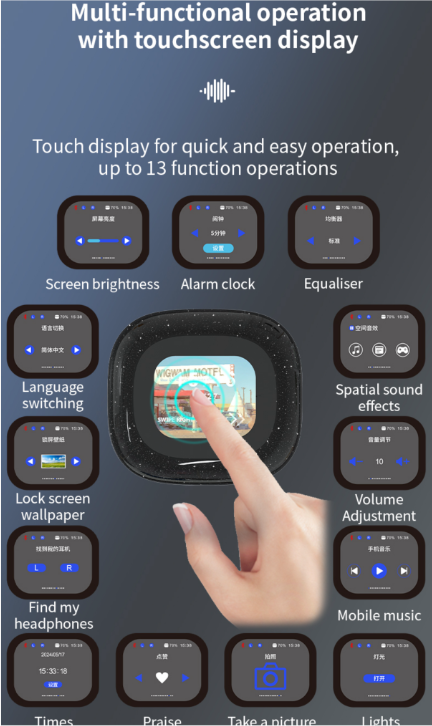
| ① Music interface: control the music playing function of headphones (Bluetooth devices such as mobile phones need to be connected). | 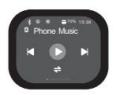 |
| ② Volume interface: control the volume of headphones (Bluetooth devices such as mobile phones need to be connected). | 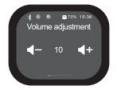 |
| ③ Switching interface of spatial sound effects: control headphones to switch movie mode, music mode and game mode. | 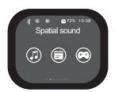 |
| ④ Equalizer interface: switching sound effects: standard, rock, pop, classic, jazz, custom sound effects. (Bluetooth devices such as mobile phones need to be connected) | 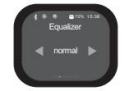 |
| ⑤ Countdown function interface: Turn on the countdown function. | 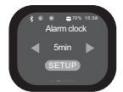 |
| ⑥ Brightness level interface: control the brightness gear of the charging bin: low, medium and high, and the third gear can be used. | 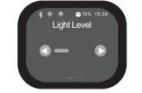 |
| ⑦ Language switching: Switch the charging compartment language display: English / Chinese / Spain / Portugal / France. | 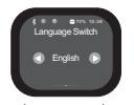 |
| ⑧ Wallpaper switching interface: There are 5 types of screen-locked wallpapers to choose from. | 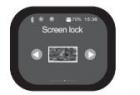 |
| ⑨ Pet-name ruby looking for the headset interface: look for the headset through the charging bin to make the headset sound (you need to connect the headset. When using this function, please do not wear headphones, so as to avoid loud noise and injury). | 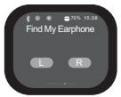 |
| ⑩ Time interface settings: Automatic update: when the charging bin and earphone are connected with the mobile phone, the time is automatically updated to the charging bin. Manual update: click the button to enter the manual setting. | 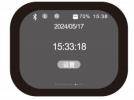 |
| Tik Tok likes the interface: the device opens the Tik Tok, clicks the heart-shaped icon and likes the current video. Click the left and right direction signs to switch videos up and down (Bluetooth devices such as mobile phones need to be connected). | 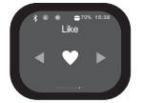 |
| Photo function: (Bluetooth devices such as mobile phones need to be connected) | 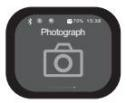 |
| Lighting interface: click the button to turn on the flashlight, the whole screen turns white and the screen brightness increases. | 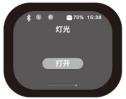 |
| Restart: press and hold the button at the bottom of the charging compartment for about 8 seconds. (The boot screen is displayed) |  |
| Shutdown and restart interface: shutdown and restart icons will pop up on the screen. Click the icon to select shutdown or restart. | 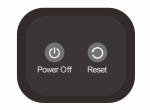 |
| Attending flashlight function: Turn on the flashlight for lighting. | 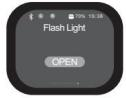 |
| Time chart of incoming call: (Bluetooth devices such as mobile phones need to be connected) | 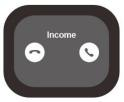 |
| Warehouse charging: (When the power level in the bin icon just shows 100%, wait 15 minutes before unplugging the charger.) | 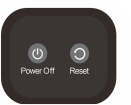 |
| When connecting the phone, the warehouse map: (Bluetooth devices such as mobile phones need to be connected) | 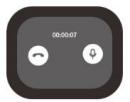 |
| Low battery reminder: charge the battery in time after the icon of the test bin turns red at 10% to prevent the battery from over-discharging. | 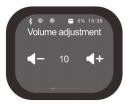 |
| Press and hold the key for 8 seconds: restart (the boot screen is displayed). This operation can be performed when the warehouse card screen is stuck or crashes. | 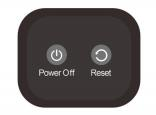 |
A: Offline supports Chinese, English, Japanese, Korean (4 languages), with 35+ small languages customizable for scanning/translation. Online supports 134 languages.
A: It saves unfamiliar words during scanning/translation, creating a personalized vocabulary list for review (ideal for language learning).
A: 268*800 (3-inch high-definition eye-protection screen, IPS full viewing angle).
A: Yes, supports Bluetooth 4.0 for seamless device syncing.
A: Business communication (conferences, meetings), language learning, travel, document translation, and audio transcription.


